
1
Upload Your Image
Start with a portrait, product photo, screenshot, old picture, or AI artwork that needs clearer detail or a larger resolution.
Enhance image quality online with Quality Enhancer. Upload a photo, choose the enhancement strength, and let AI upscale details, reduce blur, and prepare a cleaner result for download.


from 99+ happy users•30+ verified reviews
Explore the toolkit
Jump straight into a focused workspace for improving video or image quality.
Improve image quality with practical controls for sharper photos, larger output, cleaner textures, and clear before-and-after review.
Improve soft edges and fine textures so portraits, product shots, and artwork look clearer without manual editing.
Increase image size for social posts, listings, archives, or print previews while preserving a natural-looking result.
Reduce compression artifacts, mild blur, and noisy areas that make older or downloaded photos look low quality.
Enable face enhancement when portraits need closer attention to facial clarity.
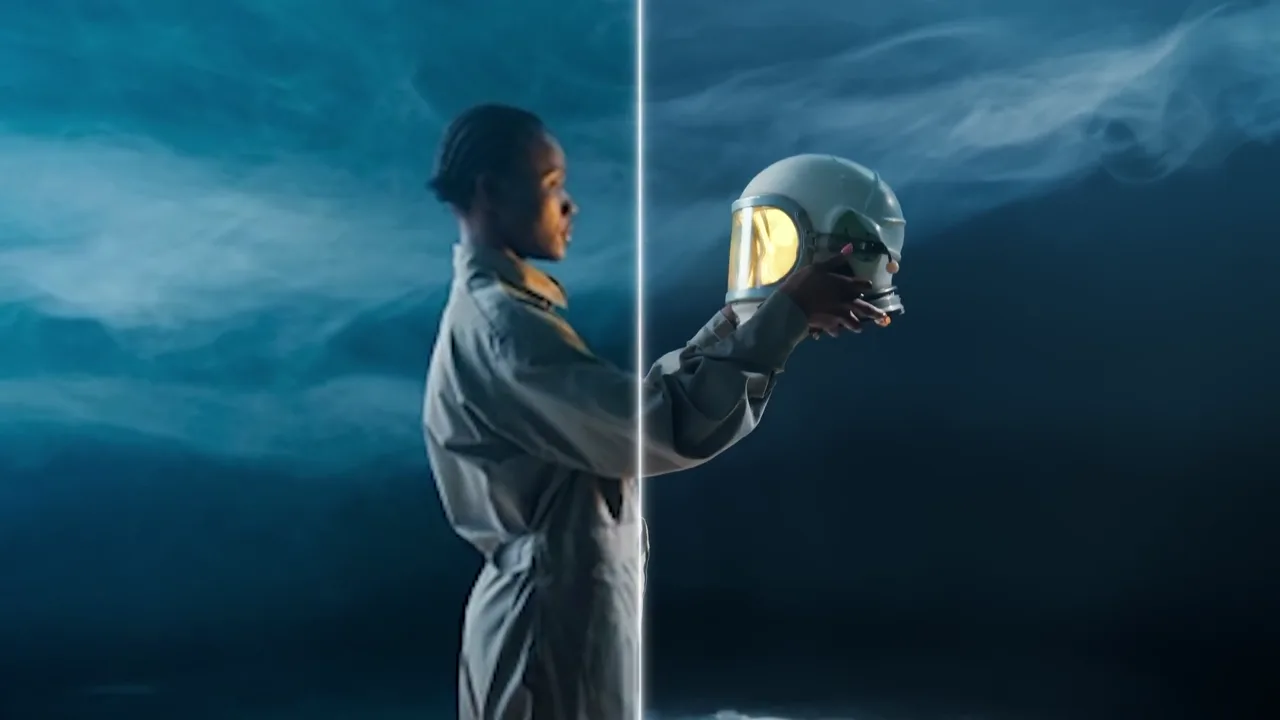
Compare the original and enhanced image before downloading or adjusting the settings.
Upload, enhance, and download in a focused browser workflow with clear privacy controls.
Upload a photo, select enhancement options, then download a clearer version.
Start with a portrait, product photo, screenshot, old picture, or AI artwork that needs clearer detail or a larger resolution.
Pick an upscale factor and turn on face enhancement when portraits need extra attention.
Compare the original with the enhanced image, reset if needed, and download the final file when it looks ready.
Answers to common questions about online image enhancement, upscaling, and photo cleanup.
Upload a low-resolution, compressed, or soft photo to upscale resolution, sharpen edges, and recover visible detail in one focused workflow.
Click to upload or drag and drop your image here
Enhance facial details using GFPGAN technology


From old photos to ecommerce assets, Quality Enhancer keeps image enhancement simple while giving creators control over scale and face detail.
Improve family photos, travel snapshots, and compressed downloads. Upscale the image, sharpen edges, and make details easier to see before you archive or share the result.


Marketplace photos can arrive too small, noisy, or over-compressed. Recover texture and prepare sharper product visuals for storefronts and ads.


Enhance artwork, thumbnails, and design drafts after generation. Add output size and clarity while keeping the original composition easy to compare.